Tech, decoded
You understood tech all along—you just didn't know it yet
Published on June 5, 2026

Picture this: you're at dinner with family, and someone says, "Oh, it's slow because of the bandwidth—you should really set up 2FA on that account." Everyone nods. You nod too, mostly to avoid follow-up questions. Sound familiar? Here's the thing: this stuff is actually useful in today's modern life, and you do not need to be a tech expert to get it. Stick with us through these explanations, and you'll walk away with the kind of knowledge that comes in handy more often than you'd think.
Bandwidth
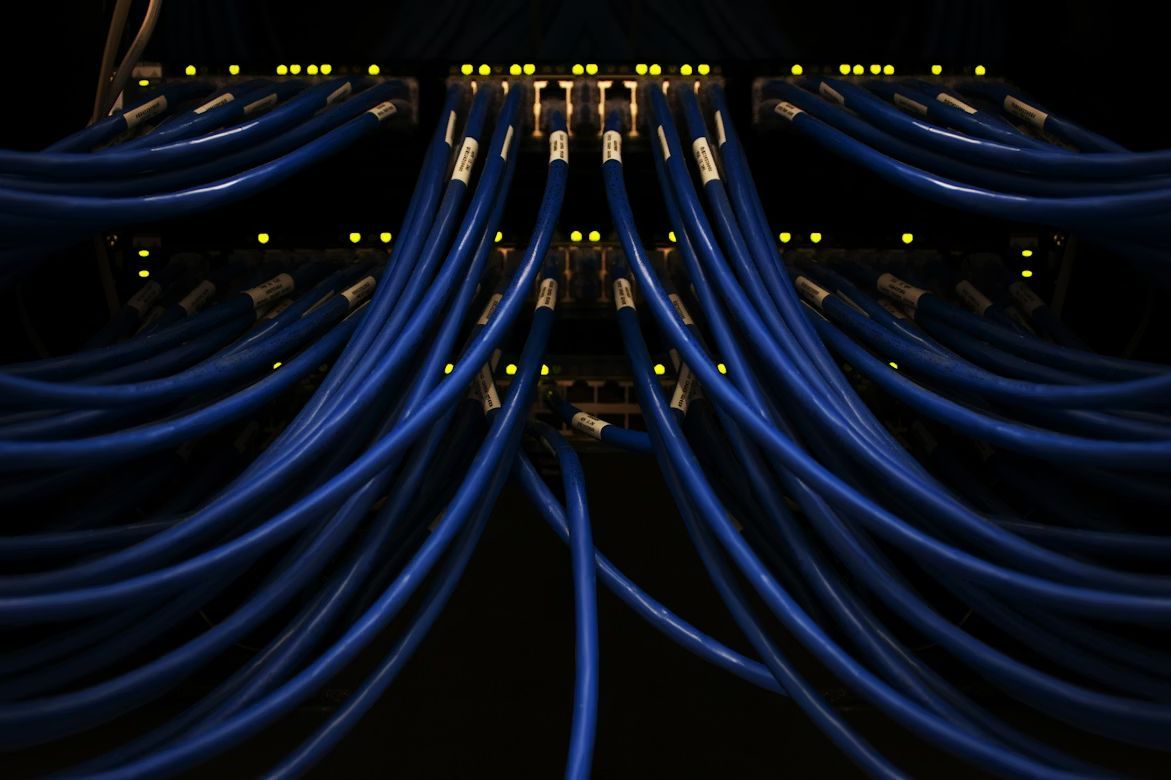
Think of bandwidth like a highway. A two-lane road can only handle so many cars at once—but a twelve-lane highway? Traffic flows freely. Bandwidth works the same way: the higher your bandwidth, the more data your internet connection can handle at the same time, and the faster everything feels. It's why streaming a movie, video-calling the grandkids, and checking email all at once can slow things down.
The average American household now uses about 500 GB of data per month: roughly equal to streaming 166 full-length movies.
Encryption

Encryption is the process of scrambling data into a secret code that only the intended recipient can decode. Think of it like sending a letter written in a language only you and the receiver know; even if someone intercepts it, it's gibberish to them.
Every time you shop online or log into your bank, encryption is working quietly in the background to protect your information. Military-grade encryption used for online banking would take a regular computer longer than the age of the universe to crack by brute force.
Cache

A cache is like your browser's memory for things it's seen before: When you visit a website, your device quietly saves pieces of it—images, buttons, layout—so the next time you go back, it doesn't have to download everything again from scratch. It's the digital equivalent of leaving your reading glasses on the nightstand instead of searching the whole house every morning.
If a website looks funny or outdated, someone might tell you to "clear your cache." That just means wiping that saved memory so your browser fetches a fresh version.
Latency

Latency is the tiny gap between when you do something, like saying a word on a video call, and when the other side hears it. Low latency means things feel instant and snappy. High latency means you're talking over someone on Zoom, and it takes a couple of seconds for the other person to hear it.
The human brain detects audio delay at around 20 milliseconds: about the same time it takes to blink.
API

An API—Application Programming Interface—sounds terrifying, but the concept is simple. Imagine you're at a restaurant. You don't go into the kitchen and cook your food; you tell the waiter what you want, and the waiter brings it back. An API does the same thing between software programs: it carries requests from one app to another and brings back the answer.
Your weather app doesn't collect its own weather data; it asks a weather service through an API.
Cloud computing

"The cloud" sounds mysterious, but it's really just someone else's computer: a very big, very powerful one in a data center somewhere. When you save a photo to iCloud or open a Google Doc, that file isn't sitting on your device. It's stored on a server far away, and your internet connection is the bridge that lets you reach it.
The practical benefit? If you drop your phone in a lake, your photos are still safe. Fun fact: The world's cloud data centers use more electricity than the entire United Kingdom—every single day.
Phishing

Phishing is when a bad actor sends you an email, text, or fake website pretending to be someone you trust, like your bank, Amazon, or the IRS, to trick you into handing over your password or credit card number. It's the digital version of a con man in a suit showing up at your door claiming to be from the gas company. The disguise looks real; the intentions are not.
If something feels off—a weird sender address, urgent scary language, a link that doesn't quite match—trust your gut and don't click.
Malware

Malware is short for "malicious software": basically, any program that sneaks onto your device to cause trouble. Some malware spies on what you type. Some lock your files and demand money to release them.
However, a reputable antivirus program and a healthy dose of caution go a long way. Don't click suspicious links. Don't plug in a random USB drive you found. Don't install software from websites you've never heard of.
Algorithm

An algorithm is just a set of instructions that a computer follows to make decisions or solve problems. When Facebook shows you certain posts first, or YouTube suggests a video, an algorithm made that choice. It's studying what you click, what you pause on, what you like, and using all of that to serve up more of the same. It's worth knowing this because it means your feed is a reflection of your behavior.
Want different results? Change your habits: like, comment, or search for different things, and the algorithm quietly shifts.
Two-factor authentication (2FA)

Two-factor authentication is like having a deadbolt in addition to your regular door lock. Even if someone gets your password, they still can't get in without a second piece of proof, usually a code sent to your phone.
Most apps make it very easy to set up, and the inconvenience is minimal compared to what it protects. Microsoft reports that accounts with 2FA enabled are over 99% less likely to be compromised.
VPN
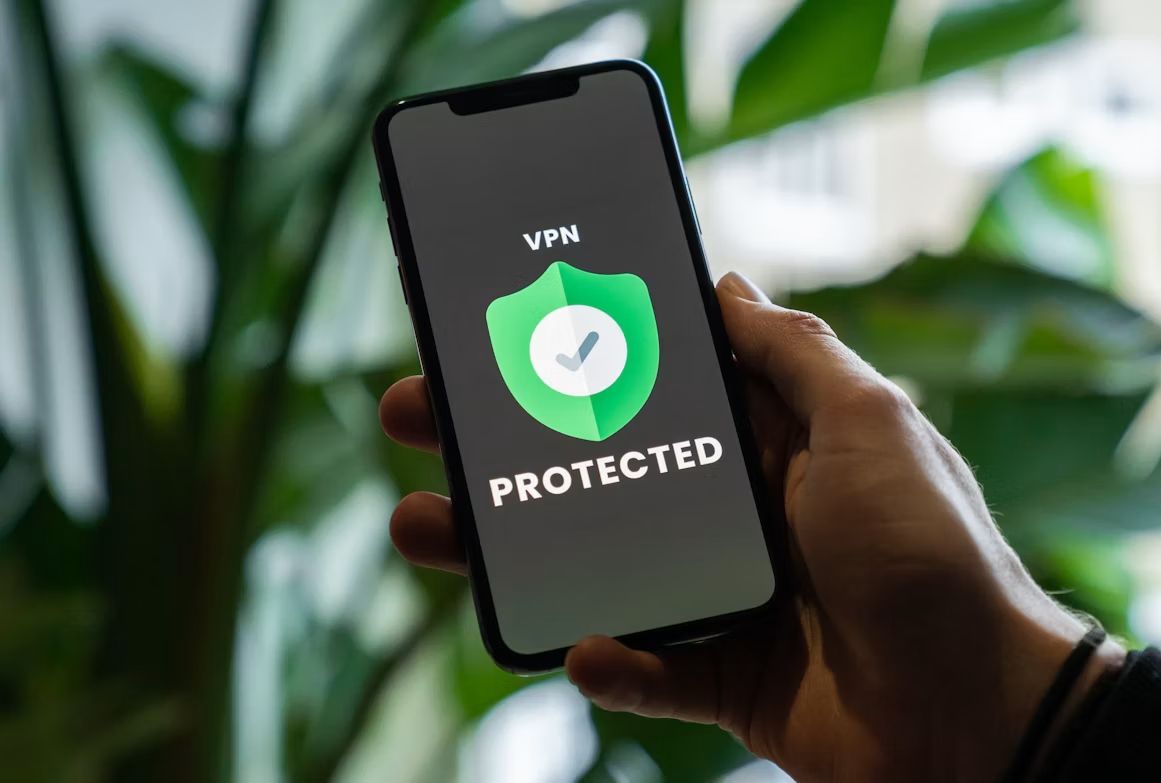
A VPN—Virtual Private Network—is like a secret tunnel your internet traffic travels through instead of the open road. When you use one, your data is encrypted and routed through a server somewhere else, hiding your real location and making it much harder for anyone to snoop on what you're doing online.
VPNs are especially useful on public Wi-Fi, like at the airport or a coffee shop, where your connection could otherwise be visible to strangers on the same network. It's not magic, it just makes your device look like it's somewhere it isn't.
Software update
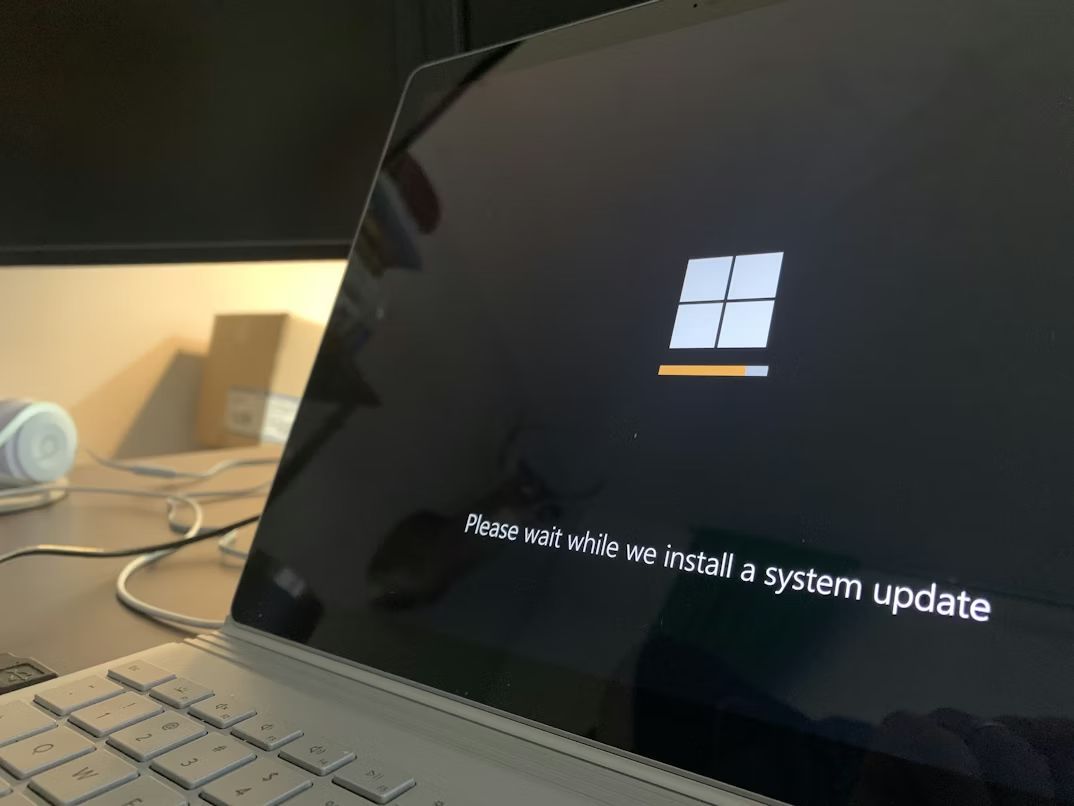
A software update is a new, improved version of a program or operating system. Updates don't just add new features; they often patch security holes that hackers have already discovered and are actively trying to exploit. Ignoring them is a bit like knowing your back door lock is broken and deciding you'll fix it next weekend.
Updating your phone or computer software takes a few minutes, and it's one of the simplest things you can do to protect yourself online.