The universe revealed

Mind-blowing truths: 10 space facts you won’t believe are real


Published on April 5, 2026


Image: Greg Rakozy

Did you know that everything we know about the universe makes up only about 5% of it? Even so, there’s still much that might surprise you. On some planets, a year is shorter than a day, while on others it can literally rain diamonds. From the smell of comets to the color of Mars’ sunsets, here are 10 incredible facts about the universe you probably didn’t know.

1

It's raining diamonds

Image: Bas van den Eijkhof

Perhaps if the Weather Girls had been born on Neptune or Uranus, their famous hit might have had a very different title, because something extraordinary may happen on these planets: it can rain diamonds! The immense pressures in their atmospheres can compress carbon into diamond crystals, which then sink deeper into the planets’ interiors.

2

The Moon upside down

Image: Ganapathy Kumar

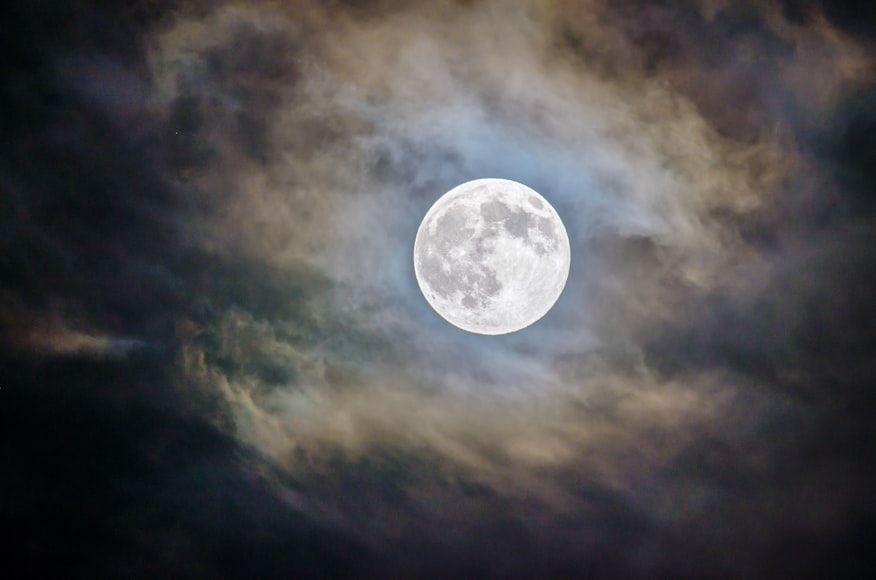
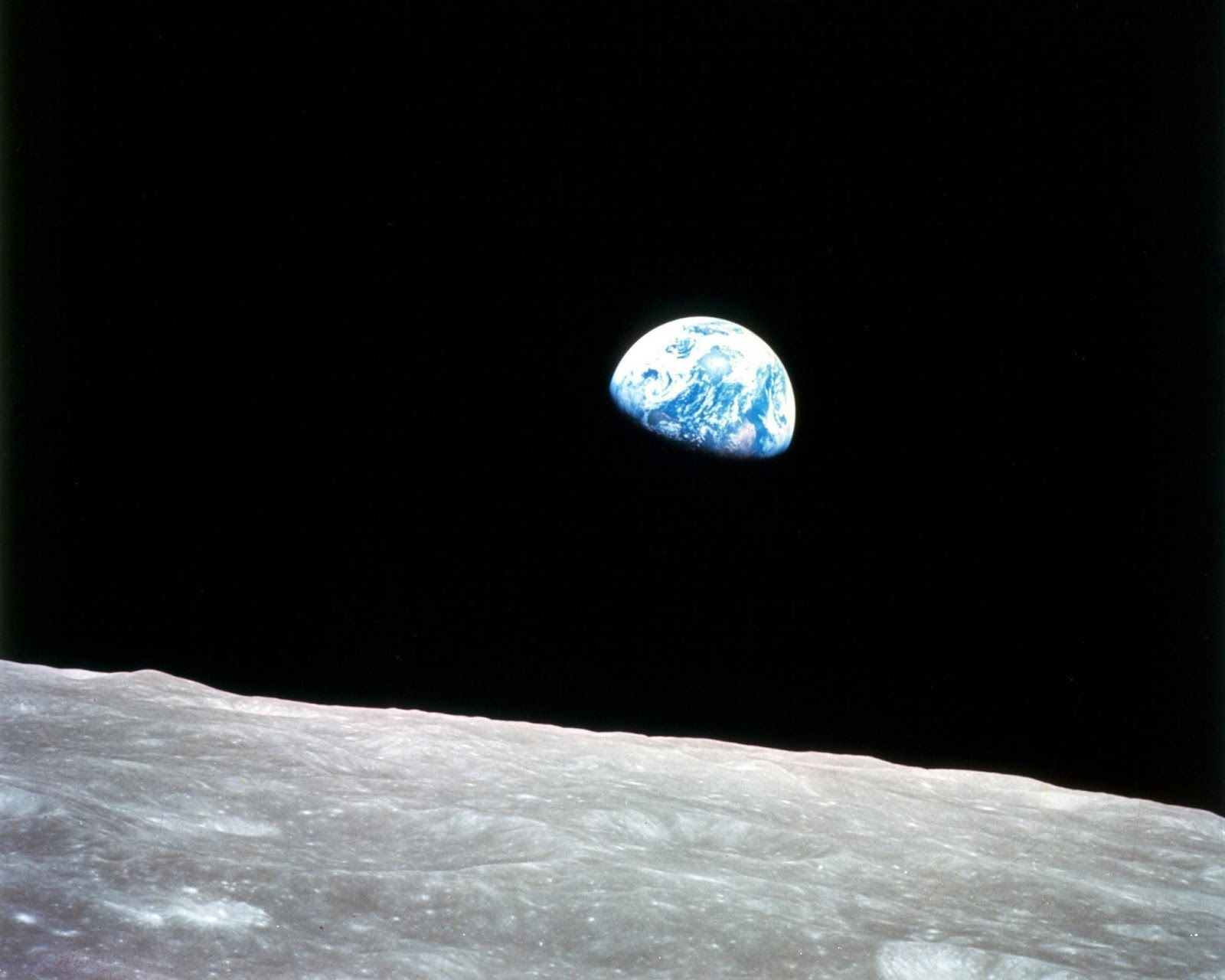
If you are reading this at night, step out into your backyard and take a look at the Moon. While we often assume everyone sees the Moon the same way, that’s not true. In fact, the Moon appears "upside down" in the Southern Hemisphere. This happens because your perspective changes relative to the Moon: in the Northern Hemisphere, you’re viewing it from "above" the equator, while in the Southern Hemisphere, observers see it from "below."

3

Saturn could float in water

Image: Planet Volumes

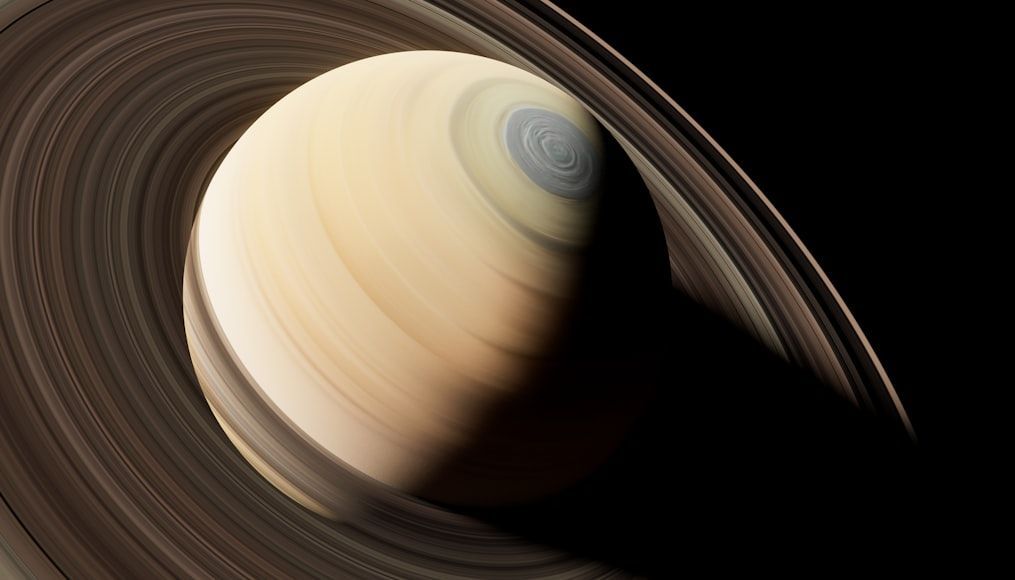
Saturn, the second-largest planet in our solar system, has a diameter of about 74,897 miles, making it roughly nine times wider than Earth. Surprisingly, it’s theoretically possible for Saturn to float on water... if only you could find an ocean big enough! This isn’t because of its size, but because of its composition: the planet is mostly made of hydrogen and helium, extremely light gases that make Saturn less dense than water.

4

Things from space smell

Image: NASA

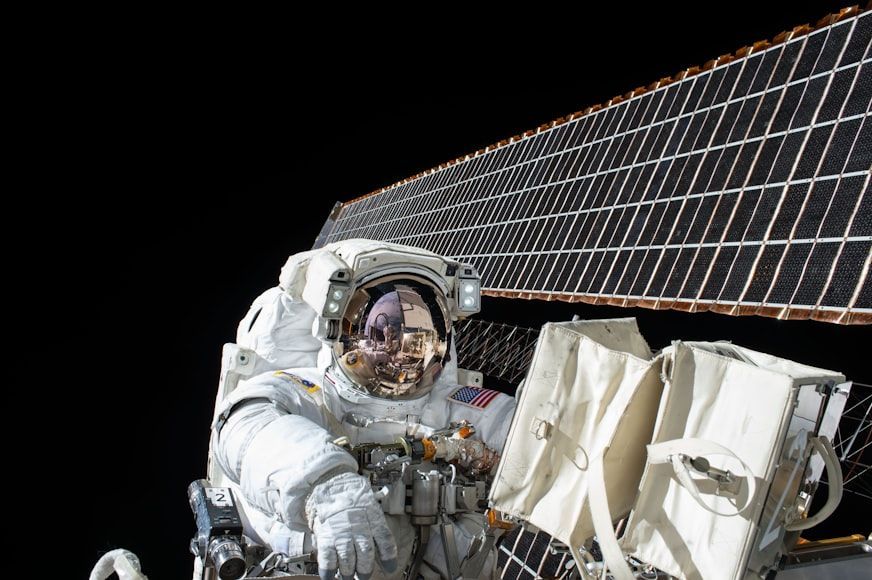
Remember that time you got distracted and the steak on the stove got a little burnt? Surprisingly, the smell in your kitchen isn’t too different from what astronauts report after spacewalks. Scientists have noticed that objects returning from space, especially those exposed to the vacuum outside the spacecraft, carry a distinctive odor often described as burnt steak or welding fumes.

5

A very long day

Image: NASA

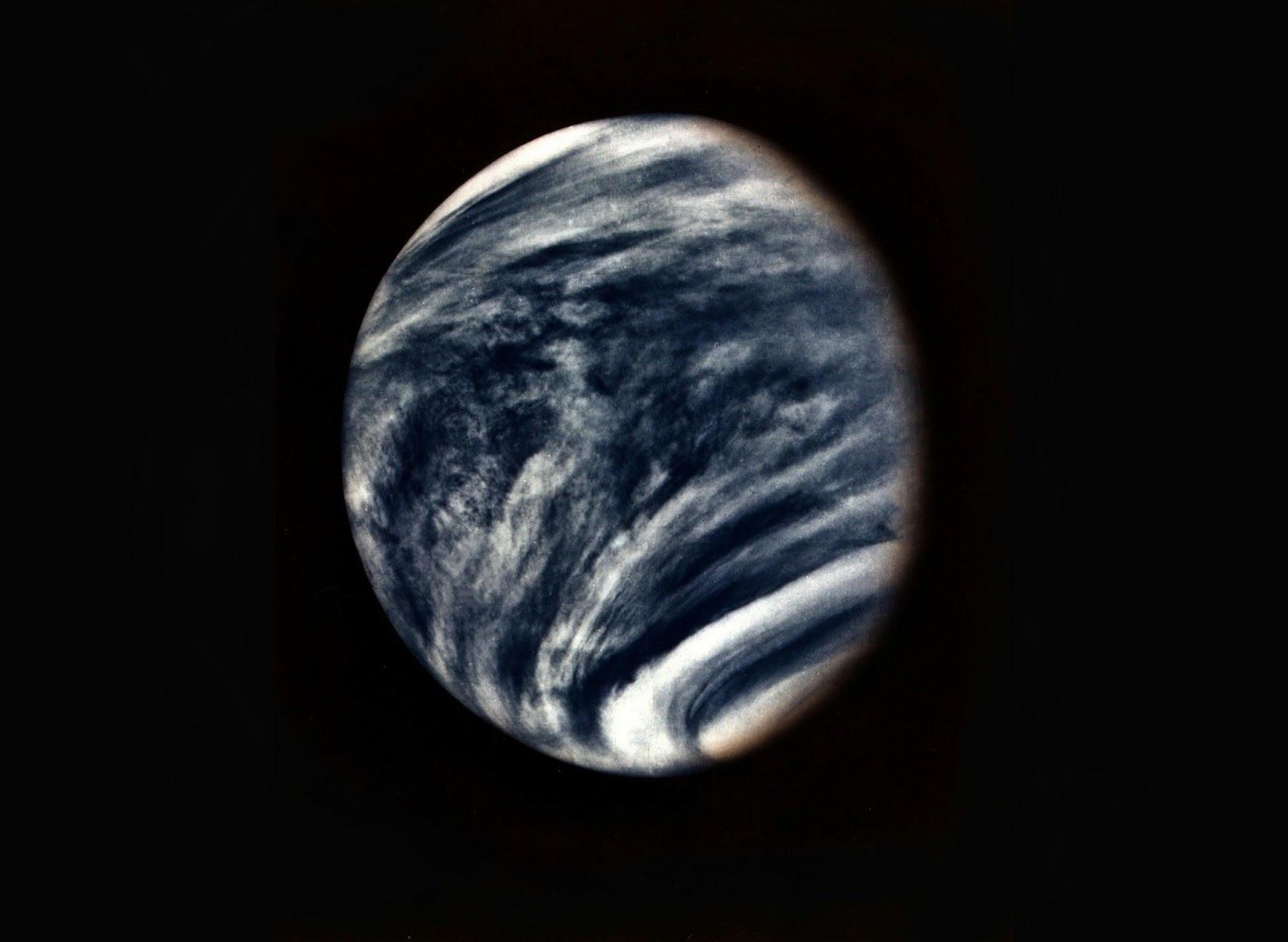
It takes Earth about 365 days to orbit the Sun, which is why our year is that long. A day, on the other hand, lasts just 24 hours because that’s how long it takes Earth to complete one full rotation on its axis. But on Venus, things work very differently. A single day on Venus (the time it takes to rotate once on its axis) is about 243 Earth days, making its rotation extremely slow. Surprisingly, a year on Venus is shorter than its day, because it only takes about 225 Earth days for Venus to orbit the Sun. Incredible, isn’t it?

6

All of them

Image: NASA

Since we see the Moon in the sky nearly every night, it’s easy to forget that it’s a giant rock floating far away in space. In fact, the distance between Earth and the Moon is about 238,900 miles, so vast that, in theory, you could line up all the other planets in our solar system across that gap!

7

Sunset on Mars is blue

Image: Planet Volumes

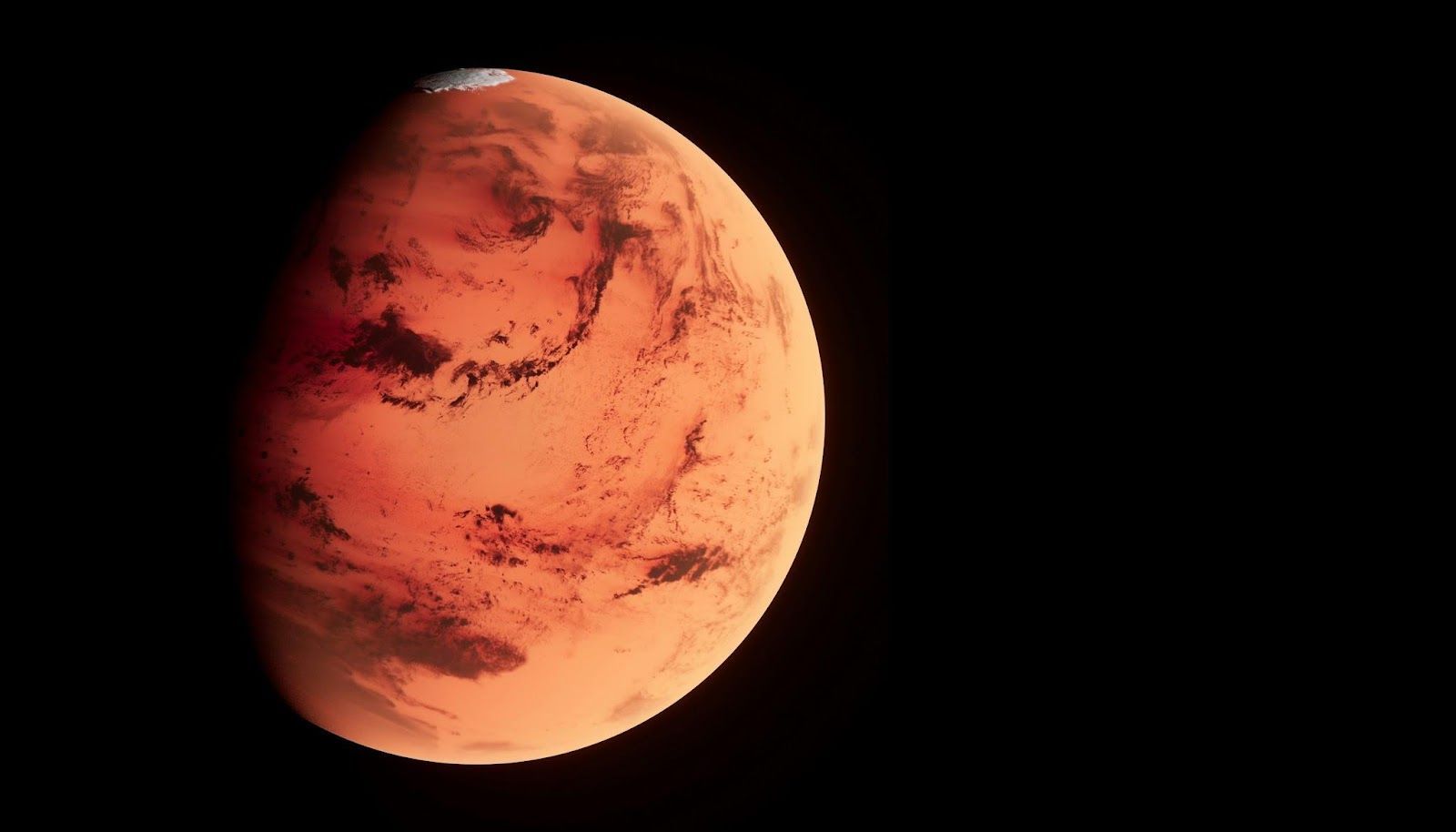
Mars is famously called the "Red Planet" because its surface is covered in iron oxide (rust), giving it a reddish appearance from afar. But if you were standing on Mars at sunset, you’d get a surprise: unlike Earth’s warm orange, gold, and pink hues, Martian sunsets appear blue. This happens because the planet’s thin, dusty atmosphere scatters sunlight differently, allowing blue light to dominate near the Sun at sunset.

8

Rotten eggs in the sky

Image: Justin Wolff

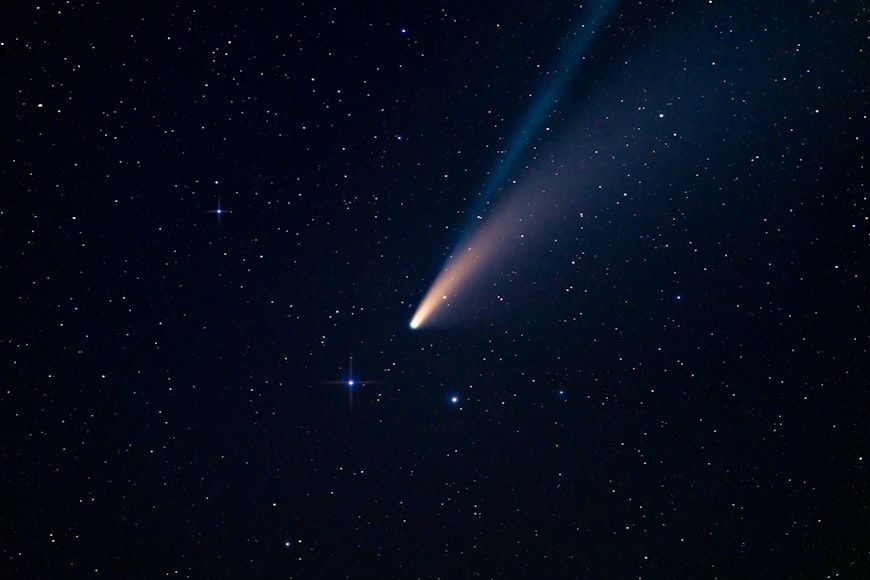
Comets, made of ice, dust, and frozen gases, are truly spectacular to see. But if you could smell them, they might not be so pleasant. As a comet nears the Sun, its ices sublimate, turning directly from solid to gas and releasing various compounds. Among these are sulfur-containing gases, which give off a strong rotten-egg smell.

9

More stars than grains of sand

Image: Graham Holtshausen

Scientists can estimate the number of stars in the universe using observations and projections. Astronomers observe a small patch of the sky, count the galaxies and stars there, and then extrapolate those numbers to the entire observable universe. While Earth has an incredible number of sand grains, these calculations suggest that there are far more stars than grains of sand. If you're not impressed yet, remember that many of those stars are much larger than any planet!

10

There are more trees than stars!

Image: Geranimo

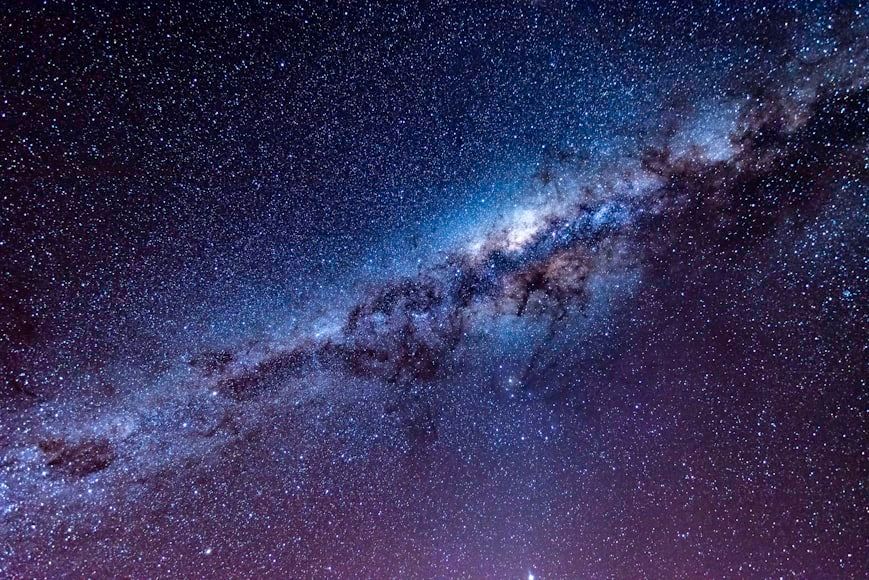
If the last fact shocked you, this one will totally blow your mind. While our galaxy has far fewer stars than the entire observable universe, you might be surprised to learn that trees on Earth actually outnumber the stars in the Milky Way. That’s right! Scientists estimate there are roughly 3 trillion trees on our planet, while the Milky Way contains only about 100 to 400 billion stars.


GIVE YOUR MOUSE A WELL-DESERVED REST

Computer Shortcuts 101: Time-saving Tips for Your Fingers.


Published on April 5, 2026


Image: Sergi Kabrera

Moving your hand from the keyboard to the mouse and back again might not seem like a very time-consuming chore when doing computer work. However, when this action must be repeated constantly, there are simple tricks that help us save time and energy. You don't need to be a hacker to learn these 10 easy keyboard shortcuts that will enhance your computer skills. Discover what all those keys with letters like Ctrl, Fn, and Alt are really for. And, if you stay till the end, we’ll show you a trick that will blow your mind!

1

Copy text? Ctrl + C.

Image: Natalia Y.

Back in Medieval times when monks did it, copying text used to be an extremely time-consuming task. Quite a few centuries had to pass for us to be able to copy whatever amount of text we want, from a single character to a whole book or more.

The trick is simple: highlight the text you want to copy. Once the text is highlighted, press the Ctrl key and the letter C simultaneously. Once you do this, the text is saved and ready to be pasted anywhere you need it.

2

Paste copied text? Ctrl + V.

Image: Scott Sanker

Pasting text previously copied allows you to move around words, paragraphs, pages, or whatever amount of text you want in no time at all.

Once you have copied -or cut- your text, the next step for pasting it wherever you want it to is really simple. Place the cursor where you want the text to start and click on that exact point. Then press the Ctrl key and the V letter, simultaneously. Once you do this, the text will appear in the place where you want it.

3

Cut text? Ctrl + X.

Image: Matt Artz

Maybe you don't want to simply copy text and you want to cut it out entirely. There is a shortcut for this as well and it is as simple as the text copying trick.

To cut text, you must highlight the word, paragraph, or whatever amount of text you want to cut. Once the text is highlighted, press the Ctrl key and the X letter, simultaneously. Once you do this, the highlighted text will disappear but worry not, it is saved in the clipboard and ready to be pasted wherever you need it with the pasting trick (remember: Ctrl + V).

4

Undo something? Ctrl + Z.

Image: Jim Wilson

Have you ever had second thoughts and wanted to undo something? If only life was as easy as this Windows trick!

Simply press the Ctrl key and the letter Z. Windows will magically take a step back and undo what it has just done. Be it restoring something you deleted by mistake or going back, this simple trick will get the job done.

5

Close a screen? Ctrl + W.

Image: Ana Klipper

Suppose you want to close a window on your desktop. Yes, you could take the mouse and reach for the small red X square in the corner of the window. Or, you could save a few seconds and do this instead.

Simply press our old friend, the Ctrl key and the W letter, simultaneously. The window that is at the front of your desktop will close automatically.

6

Select all the text in a document? Ctrl + A.

Image: Aaron Burden

Imagine you need to highlight all of the text in a document. What would you do? Start from the top and start painting the whole thing down? Lucky you, there are faster, easier ways to do just that.

Just press the Ctrl key and the A letter, simultaneously. Abracadabra! The whole thing will be painted yellow for you to copy or cut, in no time at all.

7

Open the Start menu? Ctrl + Esc.

Image: Daniel Maquiling

Maybe you need to open the Start menu to find a program or an app or close the computer. What do you do? You take the arrow and go to the left corner at the bottom, to the Windows icon, right? No!

You can simply press the Ctrl key and the Esc key, simultaneously and the Start menu will unfold beneath your eyes without having to lift your fingers from the keyboard.

8

Refresh the page? F5.

Image: Jan Loyde Cabrera

A shortcut one wishes would exist in real life (much like Ctrl + Z), hitting F5 on your keyboard will produce a wonderful effect: the window that is upfront on your desktop will refresh itself and update to its latest status.

Whether you are expecting a money transfer and looking anxiously at your bank account, are eager to see the latest news online, or don’t want to miss out on something that is about to happen, pressing the F5 key will refresh the upfront window to its latest version.

9

Search your computer? Windows + S.

Image: Agence Olloweb

While the amount of files that we store in our computers has diminished since cloud storage became more ubiquitous, most of us still use folders to archive pictures, PDF files, text documents, and more. That is why having Windows’ magnifying glass ready at hand is very useful to find stuff in the least possible amount of time.

Yes, we can always go to the Start button and press the magnifying glass. But why do that when we can just press the Windows key and the letter S, to obtain the same result in less time?

10

Uncover the desktop? Windows key + D.

Image: Tadas Sar

Our computers are powerful devices that can handle multiple tasks at once: internet browsers, spreadsheets, dedicated software, open folders, photographs, and more, can all be floating on your desktop. So, what if you need to see or fetch something from the desktop? Are you going to be minimizing every single thing to uncover the surface? Nope! There is a shortcut for that too!

Simply press the Windows key (yes, that one you always wondered what it was for) and the D letter, simultaneously. Magic! The desktop is uncovered and clean for your perusal. Want to go back to what you were doing? Press Windows + D again.

Looking for an extra scoop of literary fun?

Learn more with our Word of the day

gladiatorial

/ˌɡlædiəˈtɔriəl/