Are these in your diet?

Could doctors prescribe popcorn? These foods are healthier than expected


Published on January 23, 2026

Credit: ROMAN ODINTSOV

No doubt, most of us have the food pyramid etched in our minds. For a long time, we have accepted the fact that tempting treats (like chocolate, pizza, or beer) must be mostly or entirely avoided. But… is that entirely true? As it turns out, there are caveats about some of these so-called guilty pleasures. Wouldn’t you like to learn which snacks are actually pretty healthy for you? Read on!

1

Popcorn

Credit: Keegan Evans

Popcorn is a whole grain, high in fiber, and packed with polyphenols (antioxidants). Air-popped popcorn with minimal salt or oil is healthier than many so-called "diet" snacks.

2

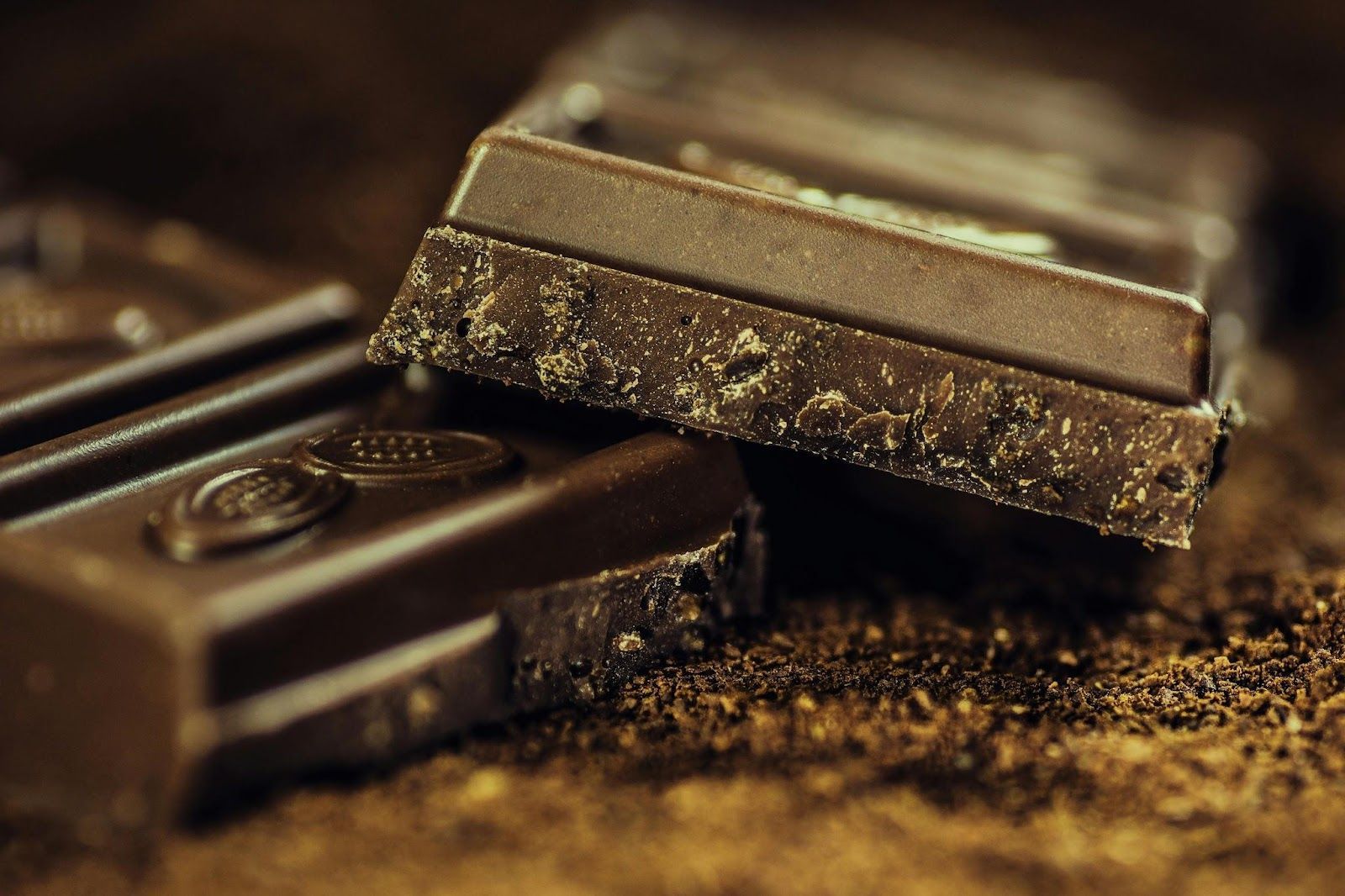
Dark Chocolate

Credit: Pixabay

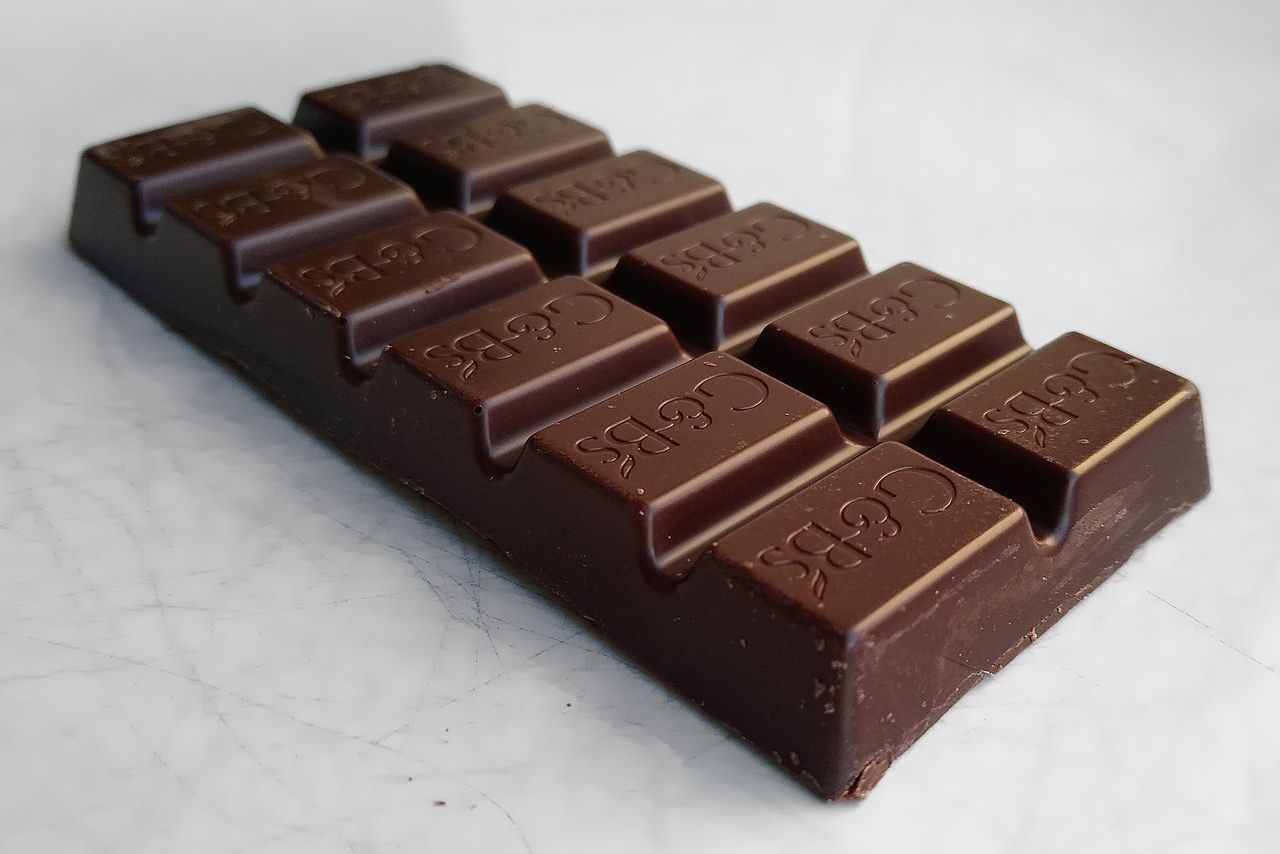
This is very good news for those with a sweet tooth! Dark chocolate (that means, products that have more than 70% cocoa) contains flavonoids that may improve blood flow and help reduce blood pressure. No need to cut it out entirely!

3

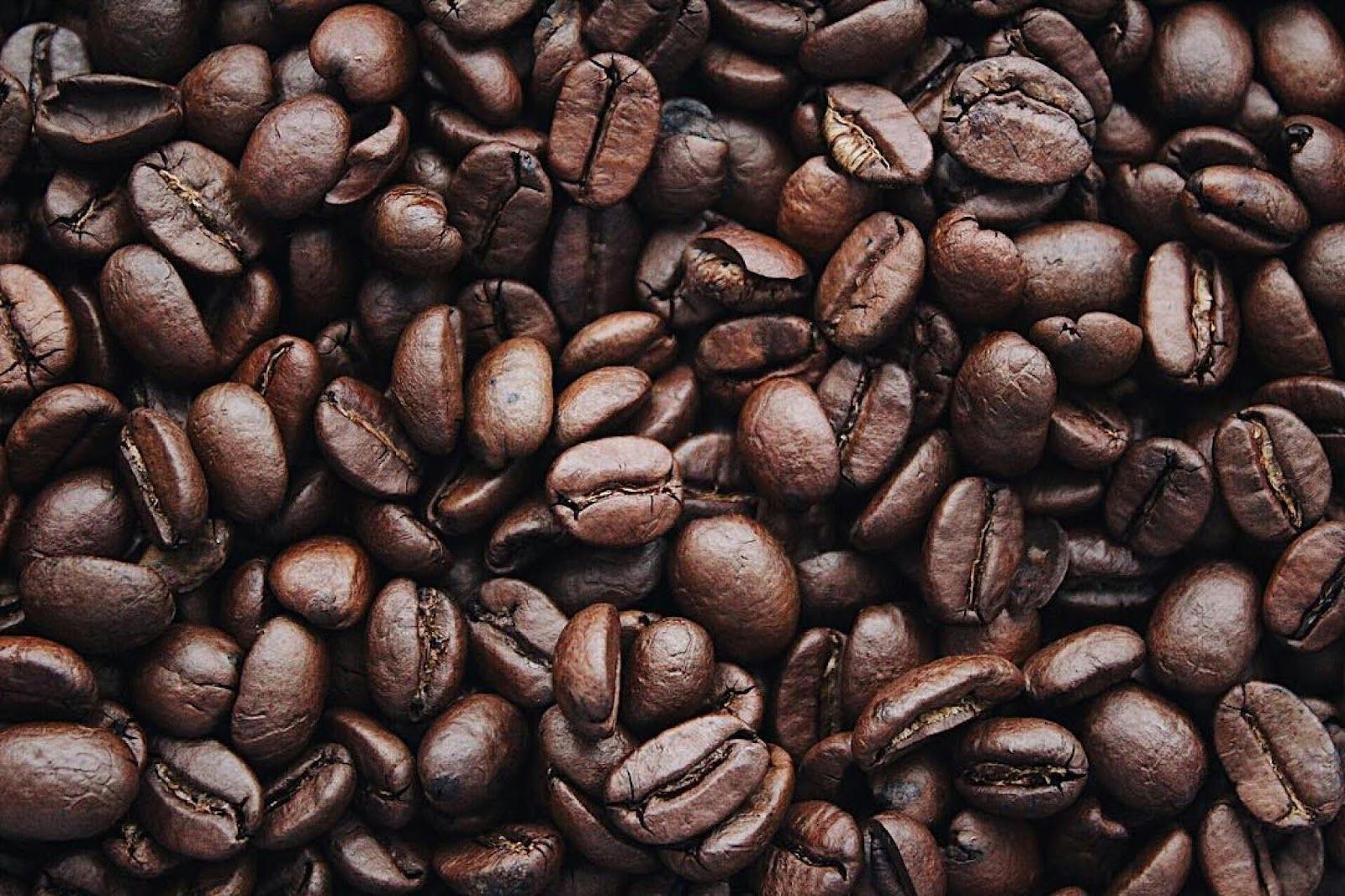
Coffee

Credit: Igor Haritanovich

Coffee has long been maligned for "raising blood pressure," but it is now linked to lower risks of heart disease, Parkinson’s disease, and type 2 diabetes, again, thanks largely to its antioxidants. The danger, of course, lies in adding sugar, cream, syrups, and whatnot. Stick to a healthy brew!

4

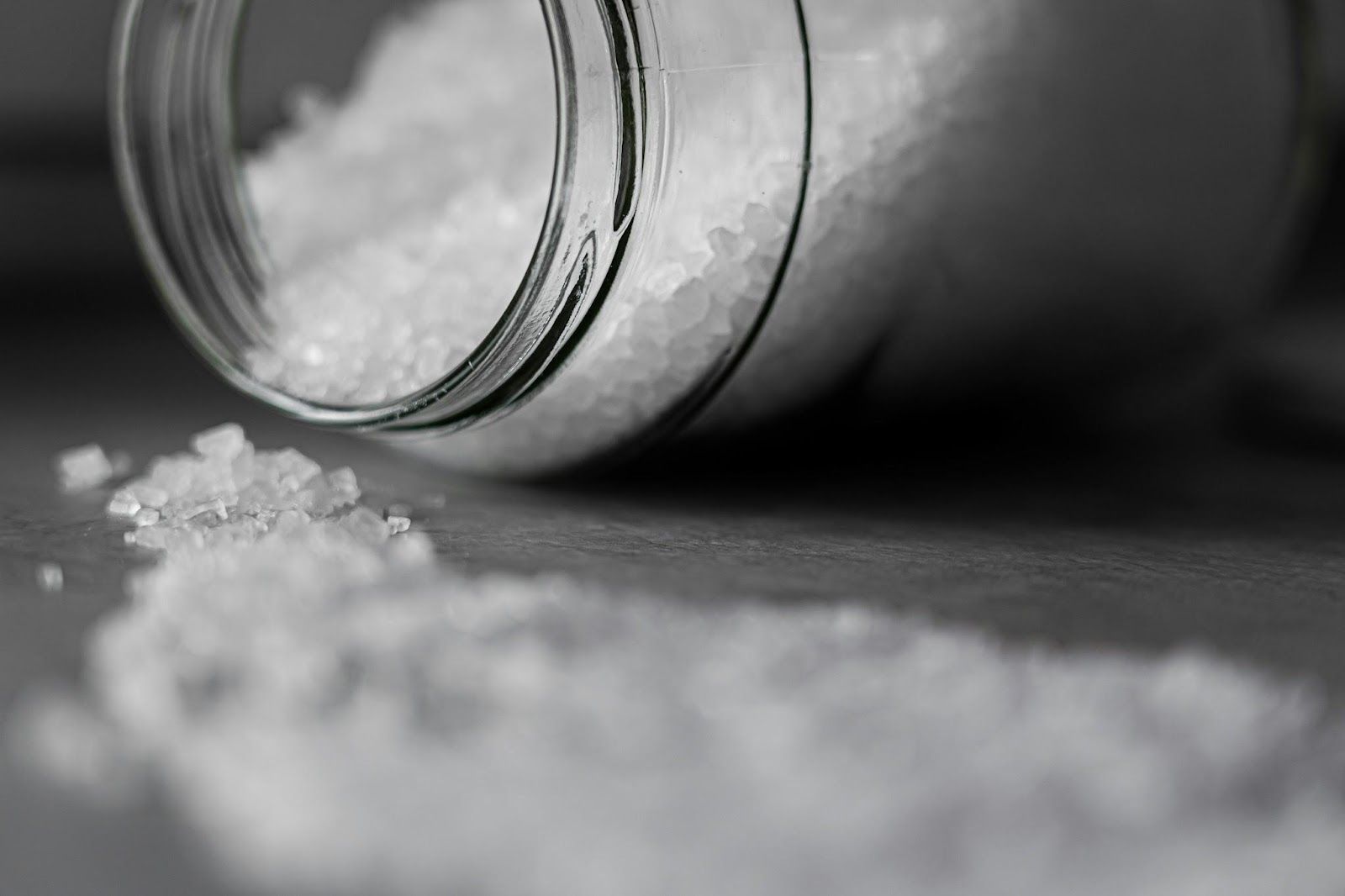
Salt

Credit: Castorly Stock

Yes, excess sodium is harmful, but cutting it out completely can also be risky. Sodium helps maintain fluid balance and supports proper nerve and muscle function. Make sure you don’t entirely skip it!

5

Pizza

Credit: Andy Kuzma

Pizza with a caveat, that is. The healthiest pizza you can eat is homemade or thin-crust.

When made with whole-grain dough, real cheese, and veggie toppings, pizza can be a balanced meal, combining carbs, protein, and calcium. It’s the fast-food, oil-dripping, heavily-topped version that’s the real culprit.

6

Beer

Credit: Alice Donovan Rouse

"What’s beer doing on this list?" you might wonder. Surprise! Moderate beer consumption (especially darker varieties) can provide antioxidant benefits and contribute B vitamins. Again, moderate is the magic word, not "happy hour every day."

7

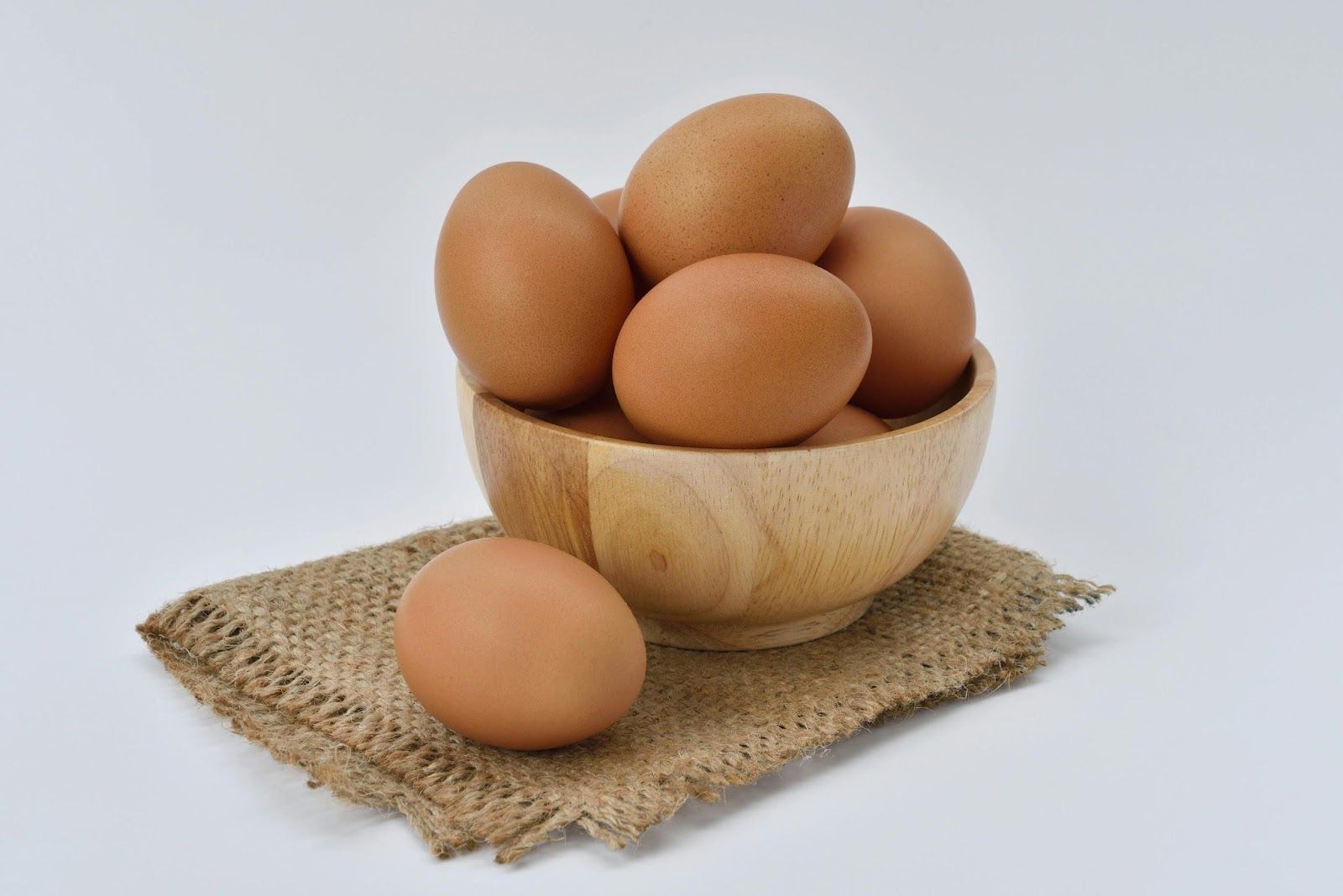
Eggs

Credit: Pixabay

Remember when eggs were demonized for cholesterol? Modern studies show dietary cholesterol doesn’t raise blood cholesterol as much as once believed. Eggs are nutrient-dense, packed with choline and protein.

8

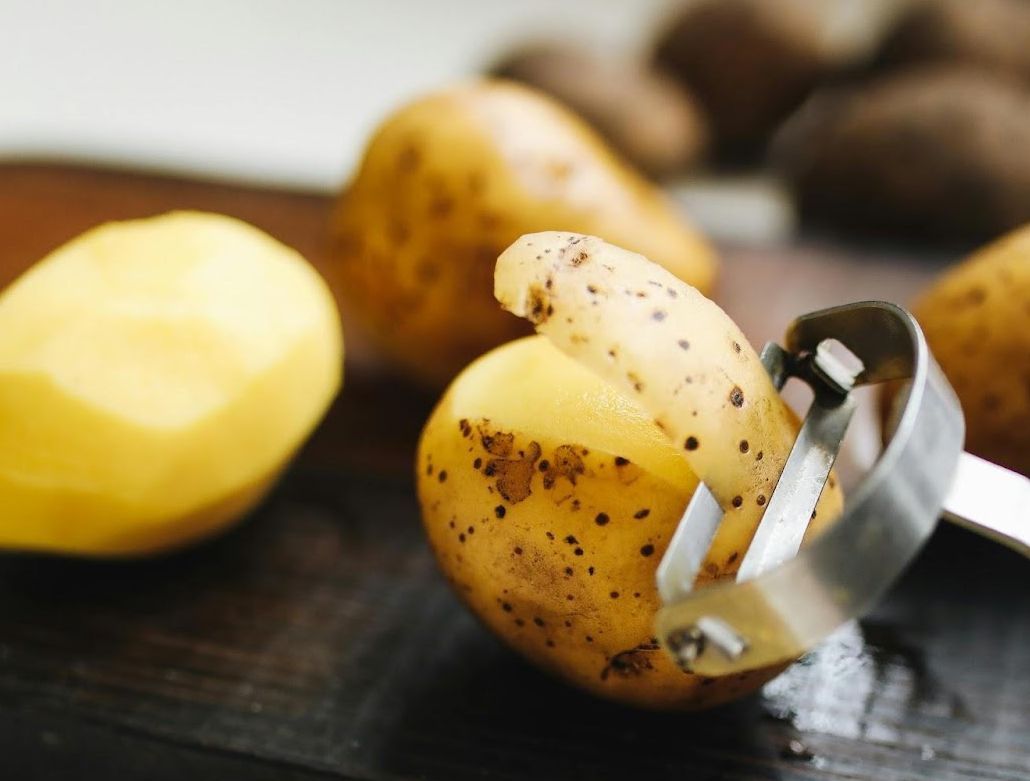
Potatoes

Credit: Polina Tankilevitch

Sure, potatoes often rank low on lists of healthy foods when we’re thinking of chips or French fries.

But the tubers themselves are rich in potassium, vitamin C, and resistant starch, which support gut health. When prepared simply, such as by boiling, they can be a nutritious addition to a balanced diet.

9

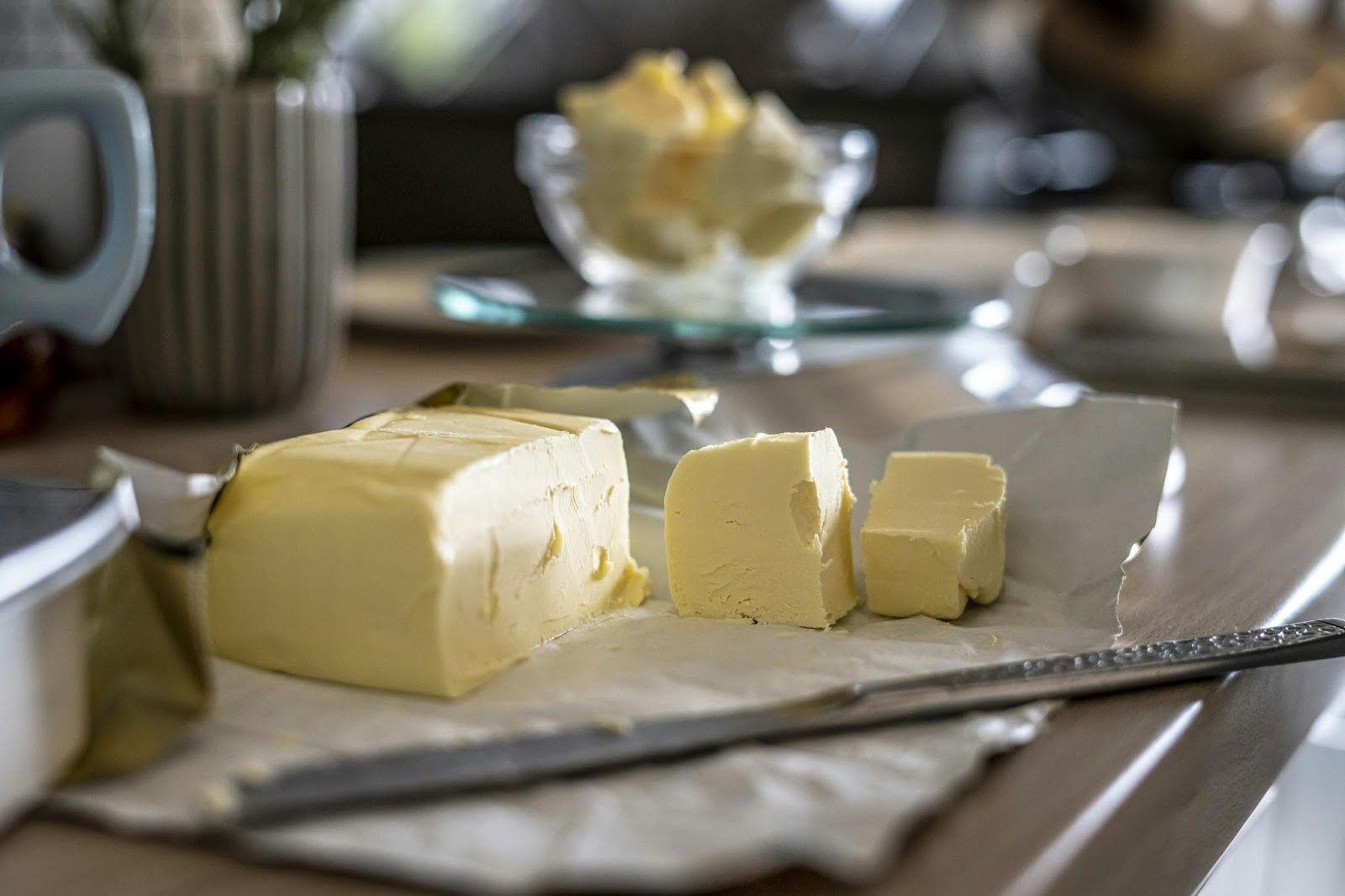
Butter

Credit: Sorin Gheorghita

Demonized during the low-fat craze, natural butter, when consumed in small amounts, is often considered less harmful than margarine once was, particularly when margarines were filled with trans fats. Butter contains fat-soluble vitamins and conjugated linoleic acid (CLA), which may have anti-inflammatory effects.

10

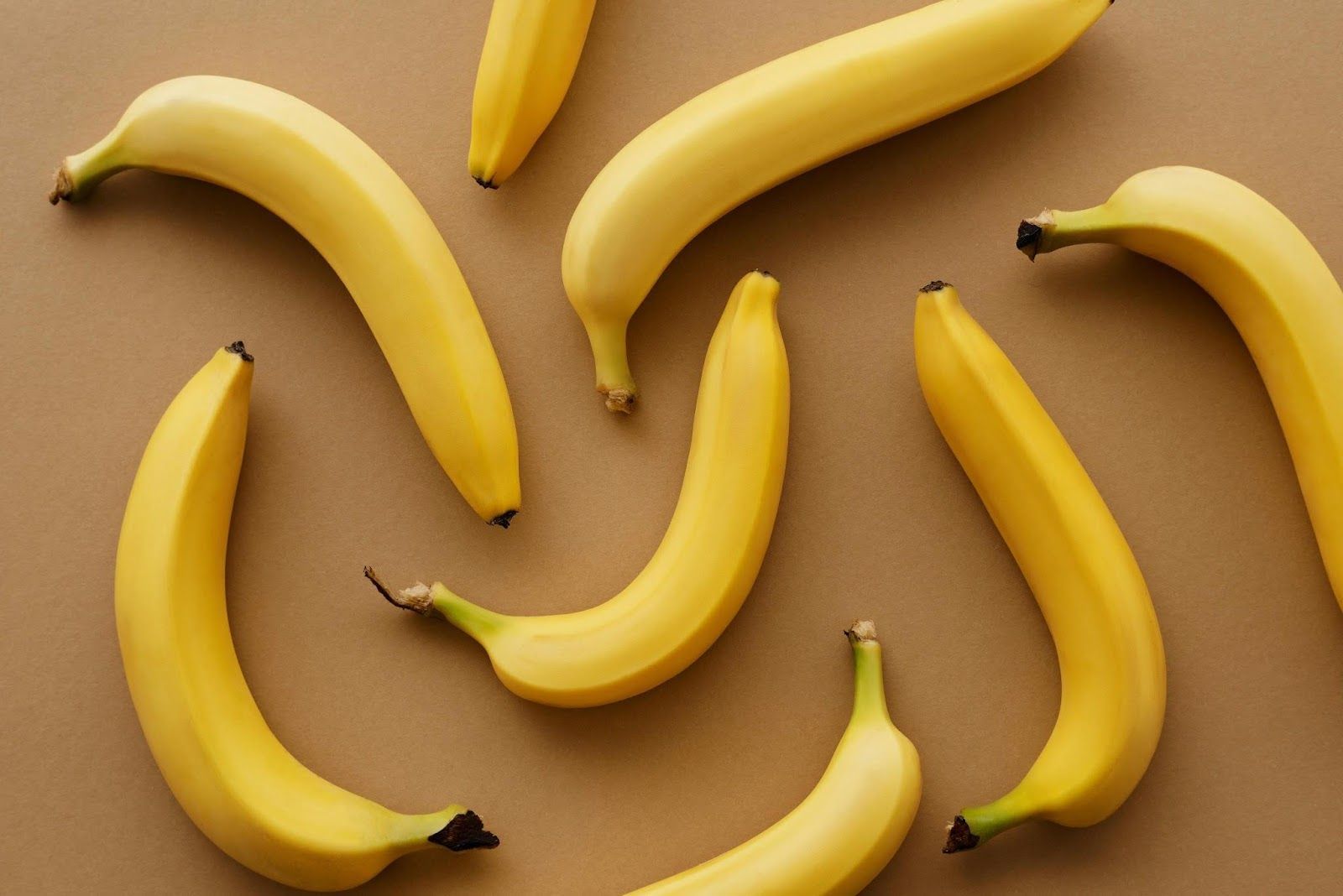
Bananas

Credit: Vanessa Loring

They’re often accused of being "too sugary." They might be, compared to other fruits, but they are also loaded with potassium, fiber, and tryptophan. This last one supports serotonin production and plays a role in mood balance.

11

Cheese

Credit: Zoe Richardson

It’s calorie-dense, but also rich in calcium, along with beneficial fats and protein. Some fermented varieties (like aged cheddar or gouda) even contain probiotics that may support gut health.

What’s the healthiest type of cheese? Well, cottage cheese is often cited in that role, thanks to its high protein content and relatively low calorie count.

12

Sourdough Bread

Credit: Debbie Widjaja

Not all bread is created equal; sourdough’s fermentation process can lower its glycemic index and make some nutrients more bioavailable. Plus, it’s often easier to digest than regular white bread.

13

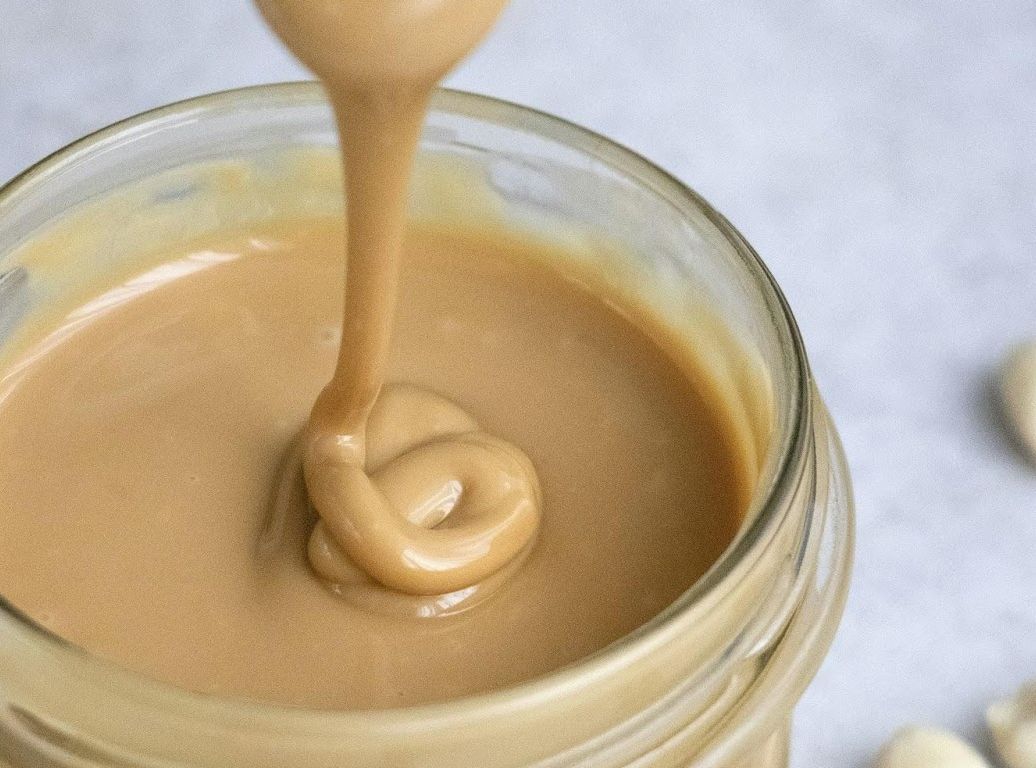
Peanut Butter

Credit: Tetiana Bykovets

Often considered a "diet killer," but pure peanut butter (just peanuts and salt) is full of protein, healthy fats, and vitamin E. Its bad rap comes from sugary, hydrogenated versions. Avoid those, and you are good to go!


We just know that we know nothing

12 facts that people often get wrong


Published on January 23, 2026


Credit: Andrea De Santis

No one can claim to know everything, but most people go through life confident about certain things. However, some of these widely held beliefs are not actually correct, despite their popularity. Let’s have a look at some "facts" you might have gotten wrong!

Insects are animals

Credit: Syed Ali

The idea that insects—particularly mosquitoes—are not animals is widespread, but it’s also incorrect. In fact, insects are the most diverse group within the Animal kingdom, with more than a million species described and representing more than half of the animal population of the planet.

Tomatoes (and many other "veggies") are actually fruits

Credit: Heder Neves

The mistake comes from not considering that "fruit" is not only a culinary term but also a botanical one. Botanically, a fruit is the part of a plant that develops from a flower and contains seeds. This makes tomatoes, peppers, cucumbers, eggplants, and many other foods that we call vegetables actually fruits in the scientific sense.

Russia is both in Europe and Asia

Credit: Michael Parulava

Countries have a political delimitation, while continents are divided according to geographical criteria. The Russian Federation is the largest country on Earth, bordering fourteen other countries and extending across eleven time zones. It spans across a good part of Eastern Europe, but also across the Ural mountains—one of the recognized borders between Europe and Asia—and stretches deep into northern Asia.

The flu is not caused by cold weather

Credit: Towfiqu barbhuiya

While cold weather isn’t harmless, it is not the direct cause of illnesses like the flu, which are caused by viruses. In colder months, people tend to spend more time indoors and often avoid ventilating rooms, creating conditions that make it easier for viruses to spread and cause illness.

Bats are not blind

Credit: Riizz

Bats might not prefer to be out during bright daylight, but this does not mean that they are blind. In fact, many species have excellent eyesight, though it is adapted to low-light or nighttime conditions. On top of that, bats also use echolocation, which allows them to navigate and hunt with remarkable precision in complete darkness.

You don't need to wait 24 hours to file a missing persons report

Credit: Volodymyr Hryshchenko

The belief that you must wait a full day before reporting someone missing is a myth popularized by movies and TV shows. In reality, the law does not require a waiting period. In fact, law enforcement agencies stress that the first 24 hours are often the most critical, so a missing person should be reported immediately.

The Great Wall of China can’t be seen from space

Credit: NASA

Some man-made structures are visible from space without magnification, but despite popular belief, the Great Wall of China is not one of them. While it is quite long, being over 13,000 miles long, it is relatively narrow, and its earthy colors blend in with the surrounding landscape, making it nearly impossible to spot with the naked eye from orbit.

Mount Everest is not the tallest mountain on Earth

Credit: Andreas Gäbler

This one is tricky: Mount Everest is the highest mountain on Earth (29,032 feet)… if you measure the distance from sea level to peak. For the actual tallest mountain, the answer might vary depending on how you measure. Measured from base to summit, Mauna Kea in Hawaii is the tallest at 33,474 feet—though much of it is underwater. Mount McKinley (Denali) in Alaska rises about 18,000 feet from its base to the peak, making it the tallest mountain entirely above sea level. And Ecuador’s Mount Chimborazo, while shorter in height, is the farthest point on Earth from the planet’s center due to the equatorial bulge.

The Northern and Southern Hemispheres have opposite seasons

Credit: Kyle Glenn

The Earth is tilted on an axis, which causes the amount of sunlight each hemisphere receives to change as it orbits the Sun. Because of this tilt, when the Northern Hemisphere is tilted toward the Sun and experiences summer, the Southern Hemisphere is tilted away and experiences winter—and vice versa. This is why the Southern Hemisphere celebrates Christmas during summer.

It’s not dangerous to wake a sleepwalking person

Credit: Kate Stone Matheson

Standard medical advice is to gently guide a sleepwalker back to bed rather than waking them, but not because waking them is inherently dangerous. People tend to sleepwalk during deep sleep, so waking them up might startle them or cause confusion and disorientation.

Shaving won’t make your hair grow thicker

Credit: Supply

Hair color and thickness are determined by genetics, not by shaving. Hair naturally gets thin at the ends, so when you shave it, the hair shaft appears to be thicker and darker because of the blunt cut. But it's just an optical illusion; the natural size of the shaft remains unchanged.

Coffee won’t dehydrate you

Credit: Mike Kenneally

Coffee is a natural diuretic, meaning it can increase trips to the bathroom. However, the water in brewed coffee still contributes to your hydration and offsets its mild diuretic effect. If you consume coffee in moderation—3 to 5 cups a day, depending on your tolerance—you should be alright. However, drinking extra water on the side is never a bad idea.

Looking for an extra scoop of literary fun?

Learn more with our Word of the day

incumbent

/ɪnˈkəmbənt/